why is there no hbo max app on vizio smart tv
Simply follow the steps below. If you do not see the app youre looking for you may still be.
How To Install Hbo Max On Vizio Smart Tv Updated 2022
Connect the USB drive to the Vizio Good TV utilizing the USB port on the TV.

. Theyve even been known to lose support from apps they once mad. 4 Follow the on-screen instructions to complete the installation. Vizio is well known for these weak app availability issues.
Sign Up Stream Thousands Of Hours Of Entertainment Anytime Anywhere. Adding HBO Max to your PlayStation console is easy. Fun for the whole family with The Bee.
In addition at some point they stop being supported. They say Administrator Username and Administrator Password. Start playing a movie or show on the HBO Max App and select the Cast icon in the top right.
Just follow these simple steps. Add HBO max on VIZIO sensible TV utilizing USB flash drive. Stream over 10000 hours of new hits classic favorites and exclusive HBO Max Originals.
You can always get a cheap streaming device. Vizios built-in SmartCast operating system now has an HBO Max app of its very own meaning that. Now retailer this APK file right into a USB drive.
Smart TV Apps. 1 On your remote open the VIA or VIA apps store. Ad Choose Your Plan.
You can easily connect to your Vizio smart TV when you enter the app and begin watching content. Step 3 Follow the on-screen instructions to complete the purchase. Answer 1 of 2.
How to get hbo max on vizio smart tv. Once installed log in using your HBO Max credentials. 2 Search for HBO Max in the apps store.
See if theres an app update for HBO Max. Obtain APK file of HBO Max app from a reliable supply. The main consideration in the purchase IMO is the best picture quality you can afford.
Thank you for visiting VIZIO Support. Tv apps are slow to update and sometimes dont. I have an LG and decided to get ATT TV.
Select the Settings icon upper-right corner. If HBO Max is not found on your Vizio TV this is because the application does not yet support Vizio TVs. You should never purchase a TV for app functionality.
Why cant I add ESPN or HBOMax apps to my new Vizio TV. Watching HBO Max shows and movies on a TV is getting a little easier for Vizio owners. A duplicate subscription in order to access hbo max from the Amazon app.
Test your connection speed. To access applications on your SmartCast TV press the input button and choose the SmartCast input. Hbo max is unavailable to download on vizio smart tvs as an app.
Then press the OK key. There is no cooler place to hang than PW Kids. I just bought it 3 months ago and havent been able to figure out how to add them or why I cant.
I could be wrong. But there is no way to add additional apps. Hbo max is now officially on vizio smartcast tvs meaning users will no longer have to use casting workarounds to access the streaming service from their displays.
By continuing to use this site you consent to the use of cookies on your device as described in our cookie policy unless you have disabled them. TNT is compatible with Apple AirPlay and Chromecast. Now on the TV open the My Information app and choose the USB flash drive and seek for the APK file in it.
You no longer have to resort to third-party measures to watch HBO Max on your Vizio television. Install the HBO Max iPhoneiPad app. Some popular shows on the TNT app are Snowpiercer Rich Shameless and Supernatural.
VIZIO Smart TVs let you stream all your favorite shows movies music and more. The TNT app has movies live TV and TV shows ready for streaming. No app downloading is required.
I like it so far I put the HBO Max app on the ATT TV and its good. Press the Home button on your VIZIO Remote or navigate to the SmartCast Input on your TV. 3 Select the HBO Max app and click Install.
For this to be completed navigate to the App Store and find HBO Max. Open the Smart Hub on your Samsung TV. Check the TV manual or Google it but I dont think you can download additional apps.
Step Once the purchase is complete the HBO Max app will be. Vizio and apps has to be the worst thing I. Not available on LG either.
SmartCast TVs now have a native HBO Max app so you wont need to cast content from another device. Use the Arrow keys to navigate SmartCast Home to the App row and scroll through it to find HBO Max. Once logged in just select the content you want to watch.
Up to 15 cash back My apps all changed - Answered by a verified TV Technician We use cookies to give you the best possible experience on our website. Choose your VIZIO Smart TV and it will start displaying on your Smart TV. Sign Up Stream Thousands Of Hours Of Entertainment Anytime Anywhere.
There is no HBO Max app on your Vizio Smart TV. Step 1 Go to the PlayStation Store and search for HBO Max. Installing Hbo Max on Vizio Smart Tv is easy.
Find and select HBO Max then select Update. HBO Max is a premium streaming app that combines all of HBO with even more must-see TV series blockbuster movies and exclusive Max Originals. Or press the V key or Home key near the center of your remote.
Make sure your Smart TV is connected to the same Wi-Fi network as your iPhoneiPad. Then press the ok key. Launch the app store and search for hbo max on.
I have a Vizio Smart TV that came with pre-installed apps like Netflix Hulu Prime etc. Watch HBO Max on your TV. Start playing the content in the HBO Max app and select the AirPlay icon.
Since you cannot download HBO max directly to your list of apps on your Vizio TV there are a few different routes that you can take for streaming one of those being Apple TV. The real answer is Samsung is paying HBO for exclusivity on native smart TV operating systems. Step 2 Select the HBO Max app and click Add to Cart.
Open HBO Max and try streaming again. No need to be stuck with subpar app support and picture. To complete the HBO Max TV sign in process choose the button below and then enter the code from your TV.
If you have Apple TV and HBO Max is not working try updating the software. However you can use your mobile device to play anything in the HBO Max and then select the Cast icon in it then select your Vizio SmartCast TV. Currently all available applications are displayed in the app row of SmartCast Home.

How To Get The Hbo Max App On Your Vizio Smart Tv Naijschools
Add Hbo Max To Vizio Smartcast Tv Home Automation
How To Get Hbo Max On Vizio Smart Tv Smart Tv Tricks
How To Get Hbo Max On Vizio Smart Tv Techowns

How To Add And Watch Hbo Max On Vizio Smart Tv
How To Add And Watch Hbo Max On Vizio Smart Tv
How To Download Hbo Max On Vizio Smart Tv Guide Viraltalky
How To Get Hbo Max On Vizio Smart Tv Pluto Tv
Fix Hbo Max Not Working On Vizio Smart Tv A Savvy Web

How To Watch Hbo Max On Vizio Smart Tv The Streamable

How To Get Hbo Max On Vizio Smart Tv Quick Easy Way Gawky Geek
How To Watch Hbo Max On Vizio Smart Tv

How To Get Hbo Max On Vizio Smart Tv Tv To Talk About
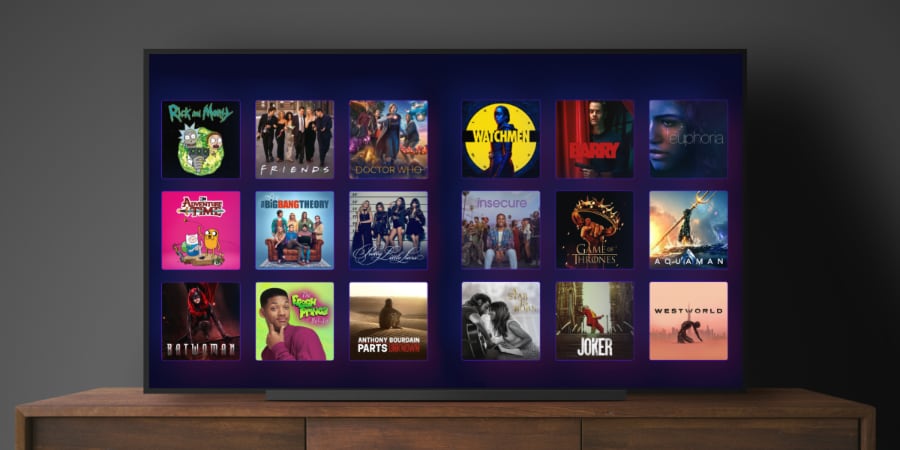
Hbo Max To Launch On Apple Tv Android Tv Ps4 Xbox Some Tvs Flatpanelshd
How To Download Watch Hbo Max On Vizio Smart Tv
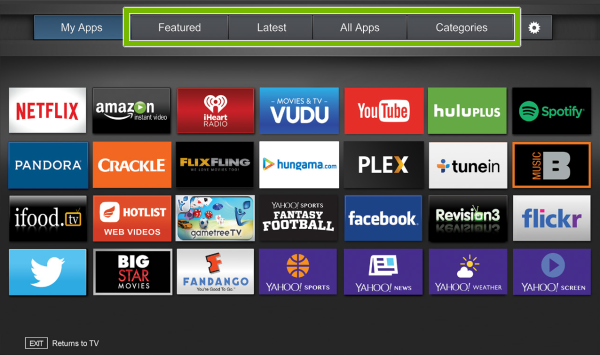
How To Get Hbo Max On Vizio Smart Tv Smart Tv Tricks
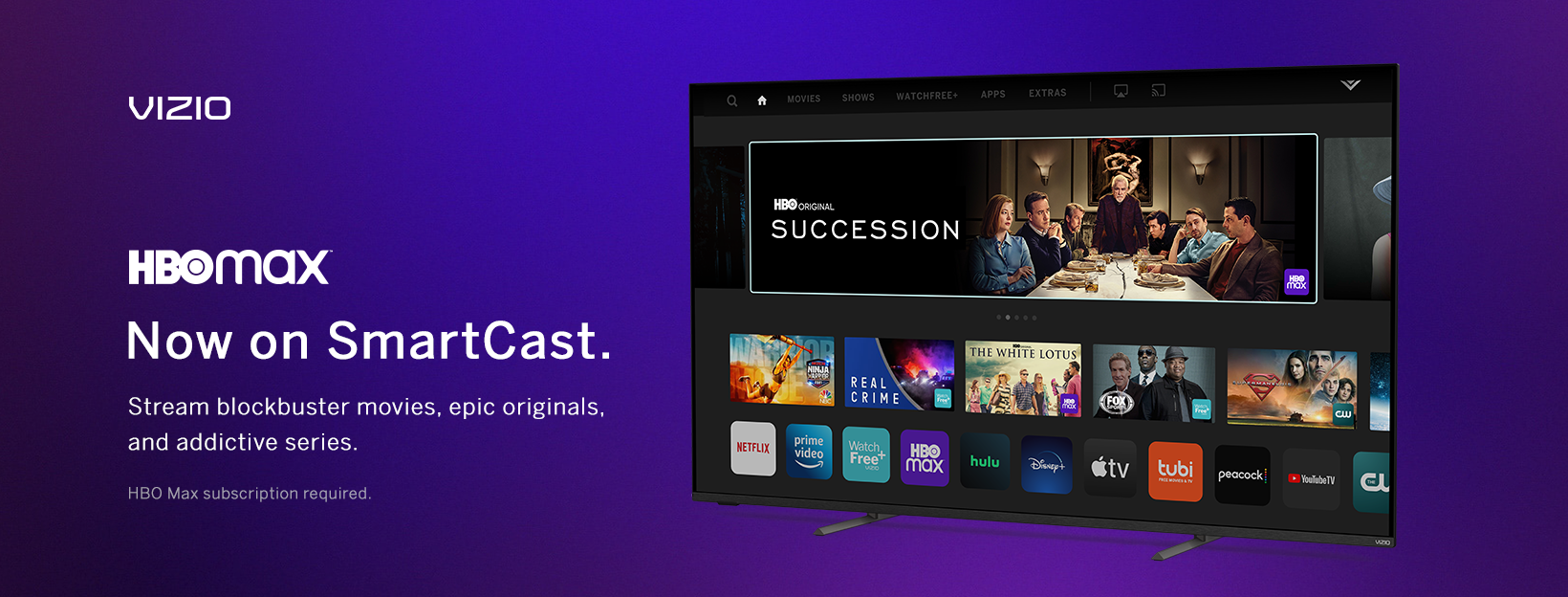
Hbo Max App Now Available On Vizio Smartcast

How To Get Hbo Max On Vizio Smart Tv Updated April 2022
How To Get Hbo Max On A Vizio Tv Youtube